Import a configuration bundle
OpenConnector ships configurations as JSON bundles — a single file (or set of files) that contains every Source, Mapping, Synchronization, Endpoint, Rule and Job that belongs to one integration. The Import screen lets an admin load such a bundle in one action, instead of recreating each object by hand.
Goal
By the end you will have imported a configuration bundle from disk or from a URL, and confirmed that the bundled objects show up in the OpenConnector lists ready to use.
Prerequisites
- You are an administrator on the Nextcloud instance, or your user has been granted the OpenConnector configuration role.
- You have a configuration bundle in hand — either a
.jsonfile from another OpenConnector instance, or a URL pointing at one (for example a GitHub raw URL). - The target registers and schemas referenced inside the bundle exist in OpenRegister, otherwise objects referencing them will import but their syncs will fail at run-time.
Steps
-
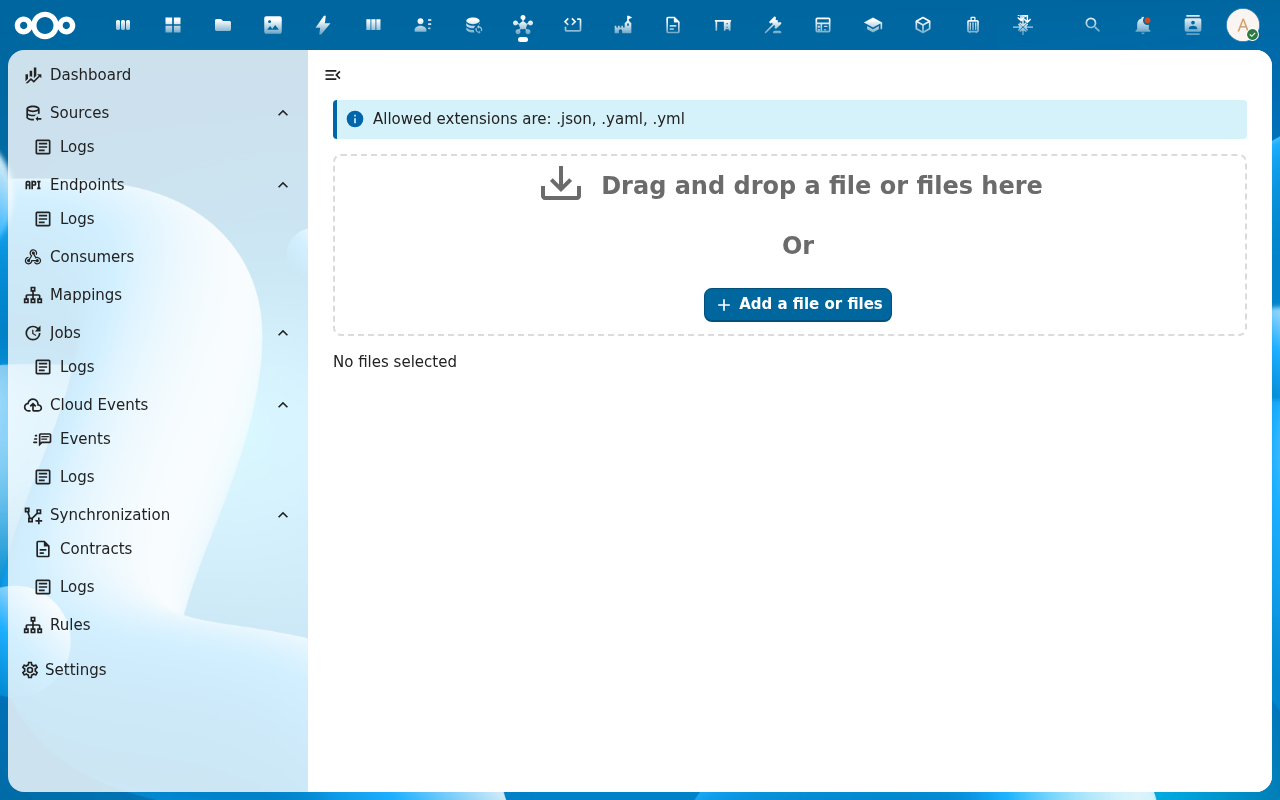
From the OpenConnector navigation, click Import.
-
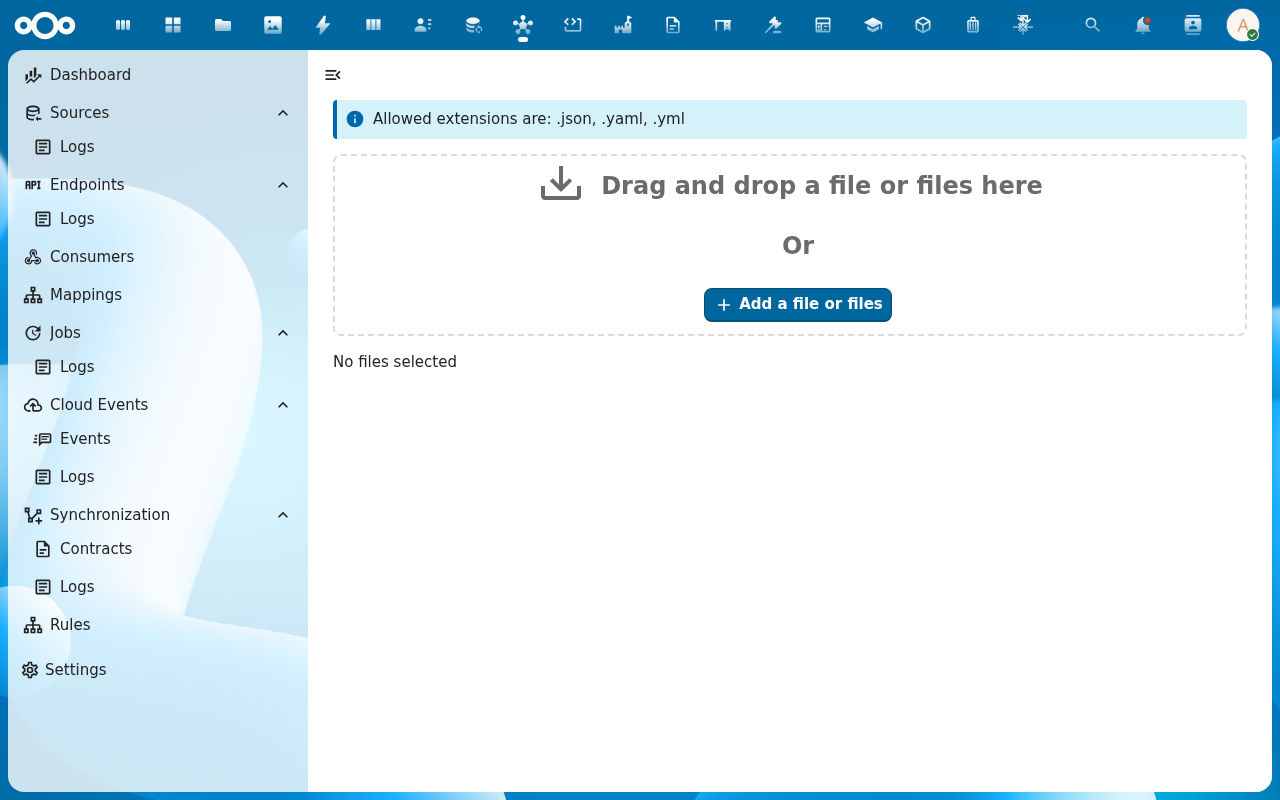
Choose the import source: drop a JSON file onto the upload area, or paste a URL pointing at a publicly-readable bundle.
-
Review the preview. OpenConnector parses the bundle and lists what it will create or update — N sources, M mappings, K synchronizations, …. Confirm.
-
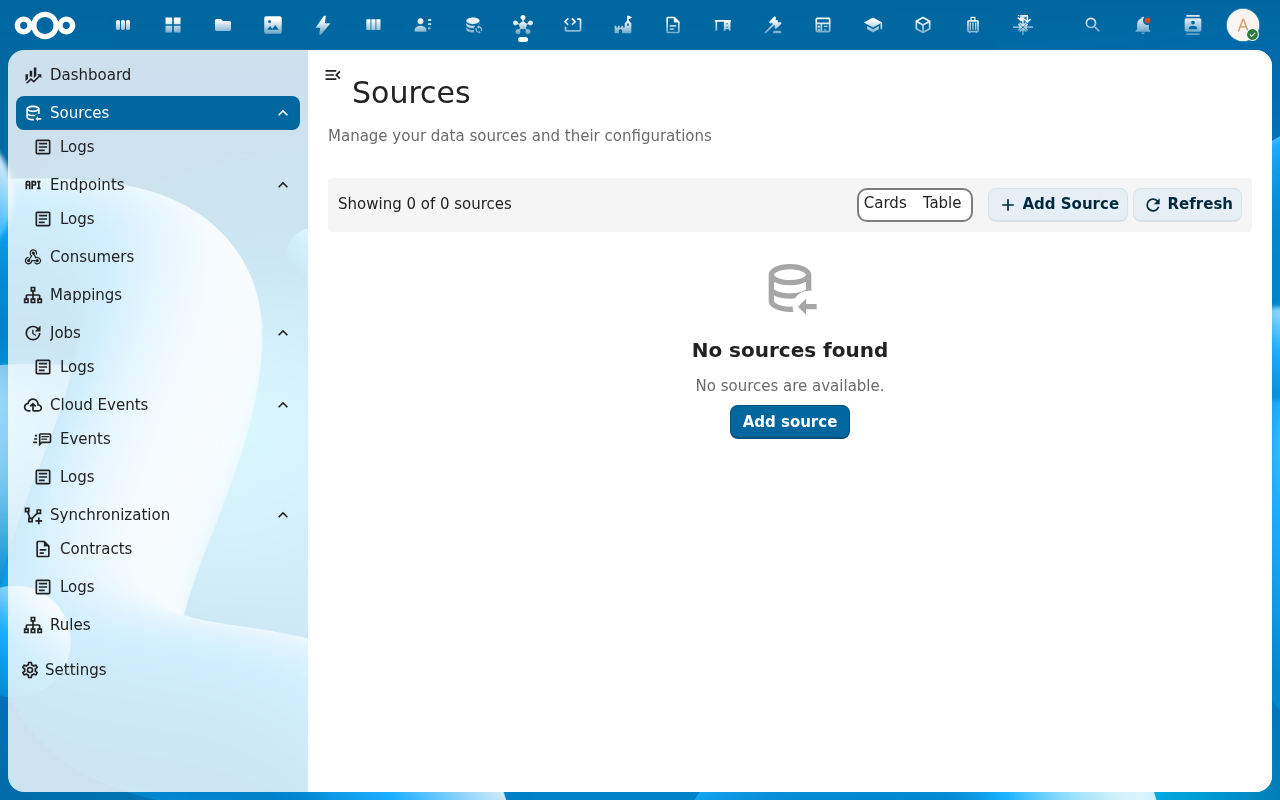
After import, walk through the navigation entries (Sources, Mappings, Synchronization, Endpoints) and confirm each newly-created object is present. Open a few to verify their configuration matches what you expected.
Verification
You are done when: the import preview shows the expected counts (no zero where you expected items), each new object appears in the matching list view, and a test run on at least one new Synchronization or Source succeeds.
Common issues
| Symptom | Fix |
|---|---|
Import preview says 0 of everything | The bundle is malformed JSON, or wraps the objects in an unexpected envelope — open the file and confirm it is an OpenConnector export, not a different app's format. |
| A synchronization imports but fails on first run with "schema not found" | The target register/schema referenced inside the bundle does not exist on this instance — import the OpenRegister schemas first. |
| Sources import but test calls return 401 | Authentication credentials are intentionally redacted in exported bundles — open each imported source and add the real API key / OAuth client. |
Reference
- Configuration management feature — full reference for the import / export format.