Schedule a synchronization job
A Job wraps a recurring task — most often a Synchronization — and runs it on a schedule. OpenConnector's job runner integrates with Nextcloud's background jobs so once a job is enabled the schedule fires without anyone keeping a browser tab open.
Goal
By the end you will have wrapped one of your synchronizations in a job, set a cron schedule, and seen the scheduled run fire and appear in the Job Logs.
Prerequisites
- You are an administrator on the Nextcloud instance, or your user has been granted the OpenConnector configuration role.
- You have at least one Synchronization that runs cleanly on demand (see Run a synchronization).
- Nextcloud's background-jobs subsystem is healthy on the instance —
occ background-job:listshows job runs andcron.phpis wired (AJAX is OK but cron is recommended for production).
Steps
-
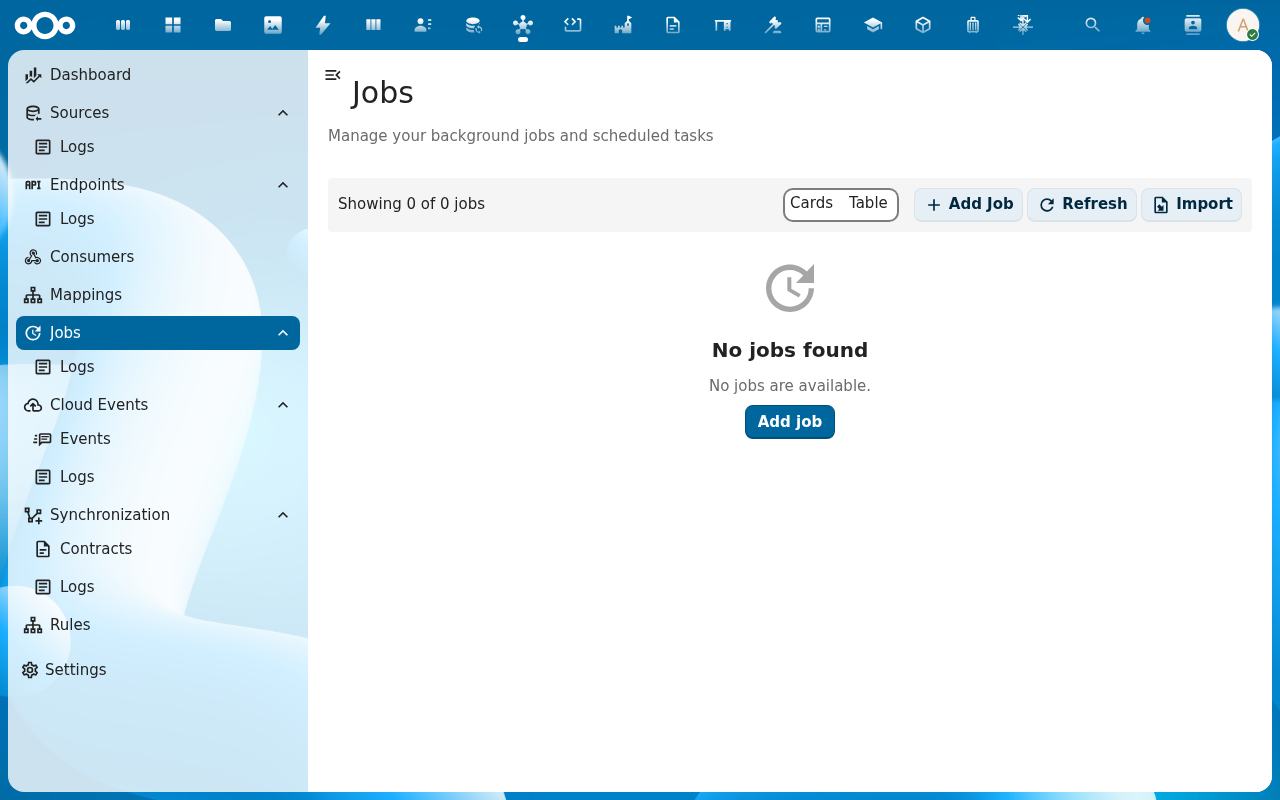
From the navigation, click Jobs and then Add Job.
-
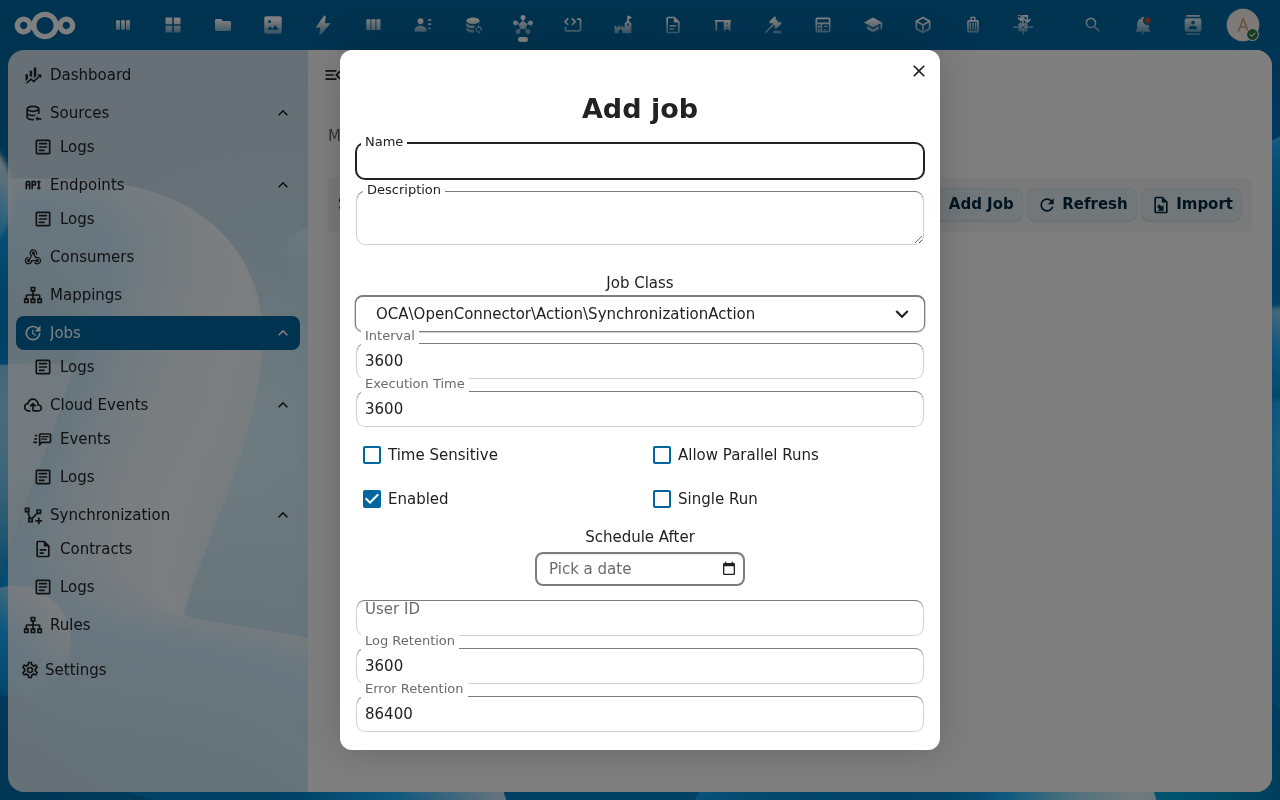
Name the job, pick Synchronization as the action, and pick which synchronization the job should run. Save.
-
On the job detail page, open the Schedule tab. Enter the cron expression —
0 */6 * * *for every six hours,*/15 * * * *for every fifteen minutes, and so on. Enable the job with the Enabled toggle.
-
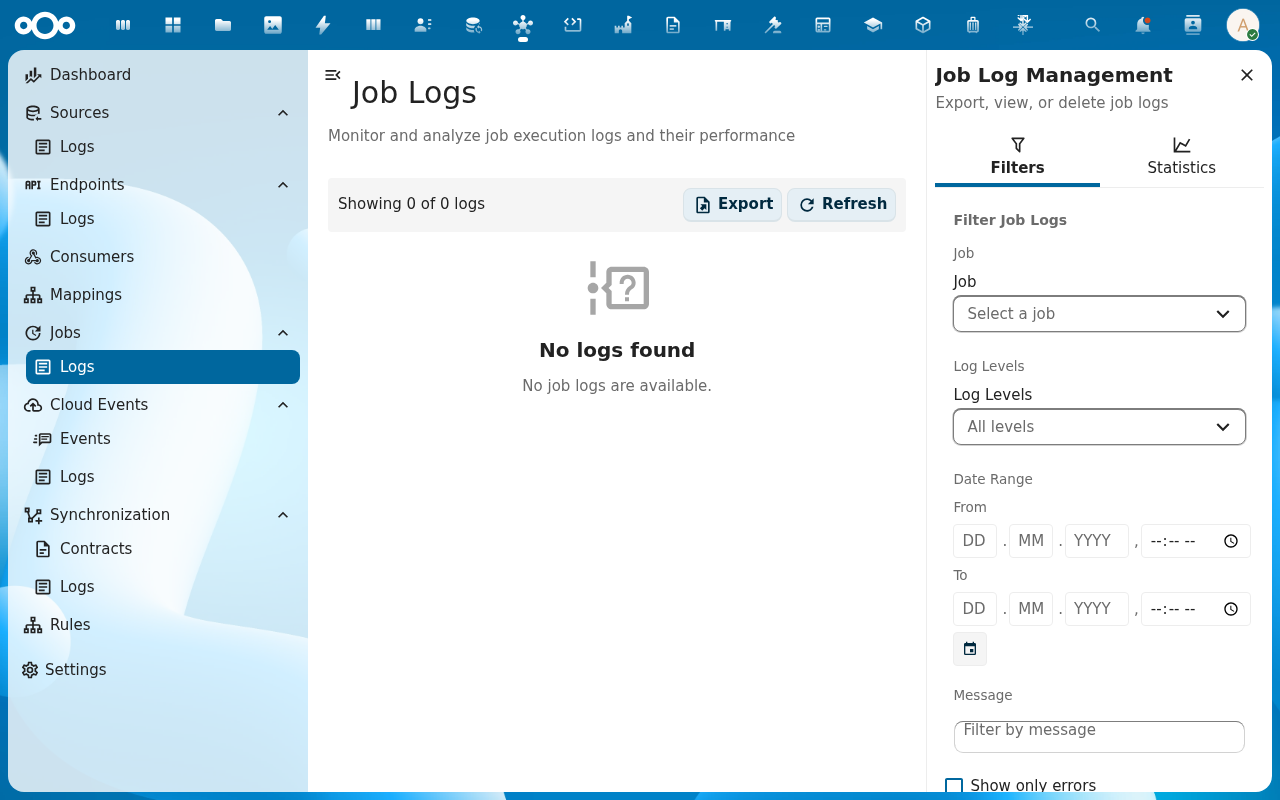
Trigger one run manually with the Run now action to confirm everything is wired. The run appears in the Job Logs with status, duration, and the synchronization summary.
-
Wait for the next scheduled tick (or check back after the next cron interval). Each scheduled run appears in Job Logs with the same shape as a manual run.
Verification
You are done when: the manual Run now completes with a success status, the cron expression validates without errors, and the next scheduled tick produces a new entry in Job Logs without a manual trigger.
Common issues
| Symptom | Fix |
|---|---|
| Manual Run now works but scheduled ticks never fire | Nextcloud background jobs are not running — switch the cron mode to Cron on the instance and confirm cron.php is invoked from a system cron. |
| Cron expression rejected as invalid | OpenConnector uses the standard 5-field cron format (min hour day month weekday); 6-field expressions (with seconds) are not supported. |
Job runs at the right time but reports 0 changes every tick | The underlying synchronization is up to date — that's a healthy steady state. To verify the job is doing real work, change one source object and wait for the next tick. |
Reference
- Jobs feature — full reference for the job runner.
- Synchronizations feature — how the wrapped synchronization actually runs.