Run a synchronization
A Synchronization is the complete data flow between a source system and a target. OpenConnector reads objects from a source (using the source's configured authentication), applies a mapping, detects changes via hash comparison, and writes the transformed result to a target — usually an OpenRegister register and schema.
Goal
By the end you will have created a Synchronization that ties together one source, one mapping and one target, run it once, and seen the resulting objects land in OpenRegister.
Prerequisites
- You have completed Create a mapping.
- You have a target register + schema in OpenRegister ready to receive data (or a target source if you are pushing to a downstream system).
- The mapping you built actually produces the shape the target schema expects (run the mapping test pane first).
Steps
-
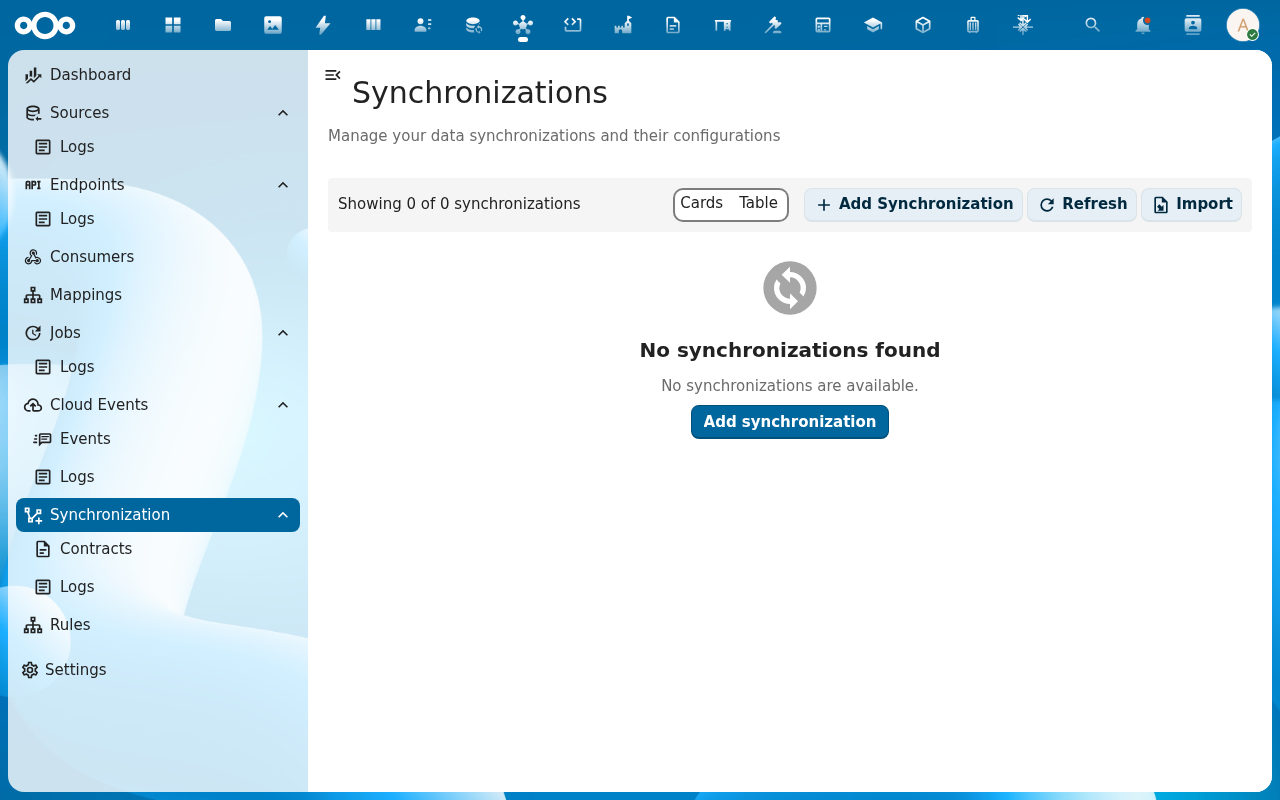
From the navigation, click Synchronization and then Add Synchronization.
-
Fill in the Source section: pick the Source you created, the Source endpoint path (the part appended to the source's base URL), the Source ID field (the unique identifier on each object), and the Results position if the source wraps its list in an envelope (e.g.
data.items, or leave as_rootfor plain arrays).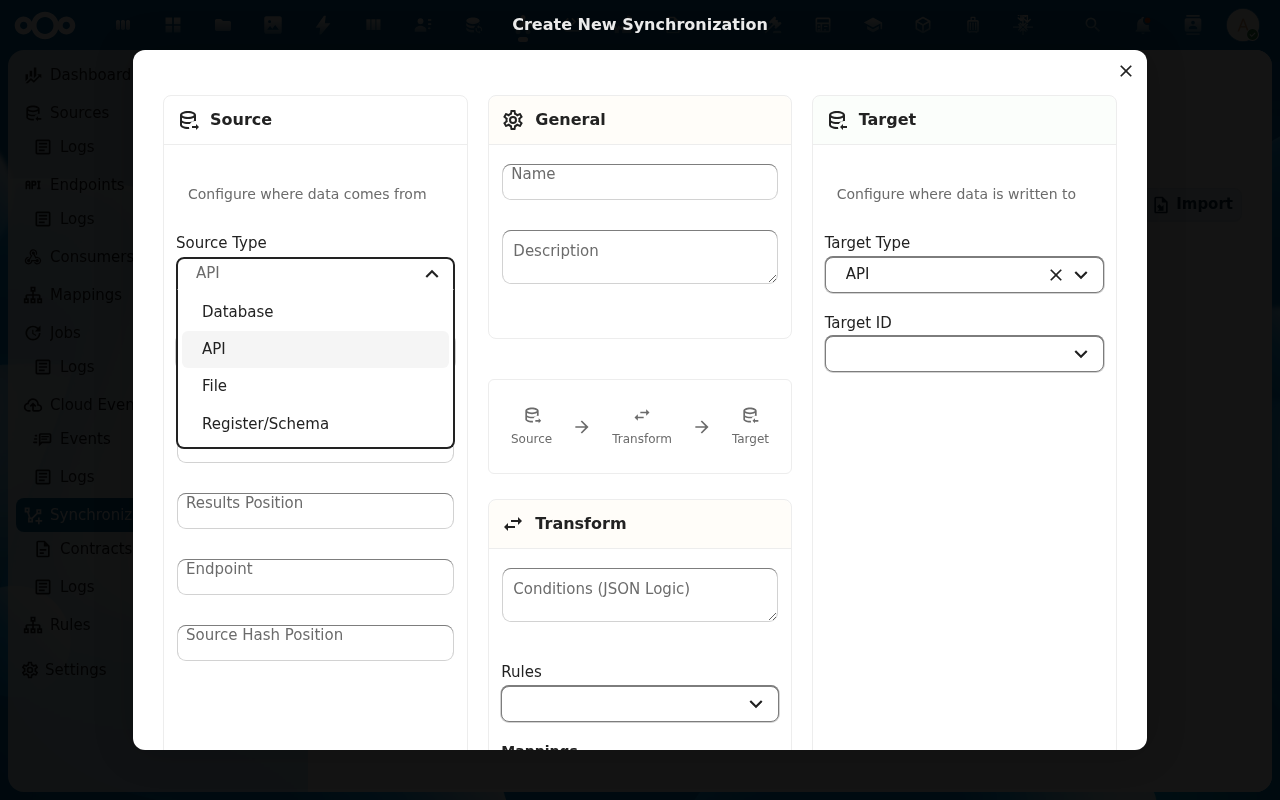
-
Fill in the Target section: pick register/schema as the target type, pick the register and schema you want to write into, and pick the Mapping you built. Save.
-
Run the synchronization with the Test action on the detail view. The right-hand panel reports how many objects were fetched, how many were new, how many changed and how many were unchanged.
-
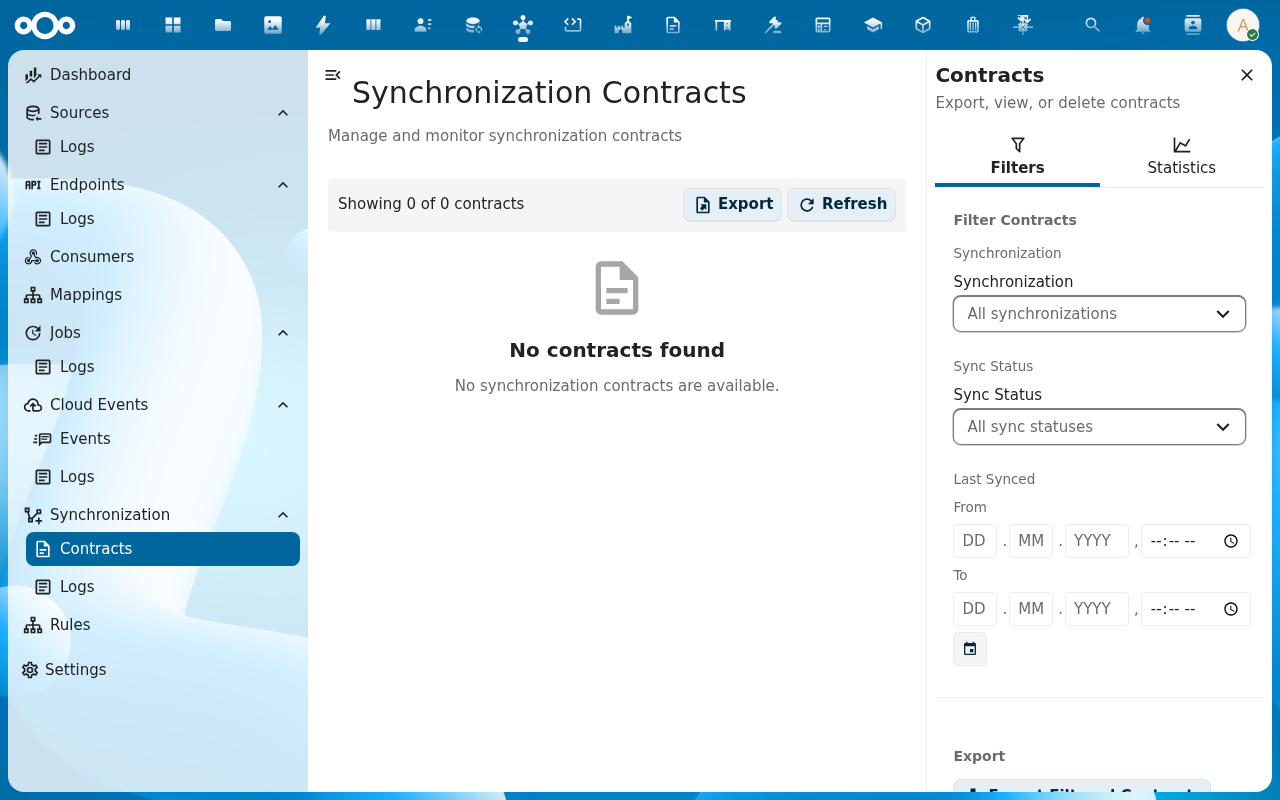
Open the Logs sub-entry under Synchronization to inspect the contract for each object — origin ID, target ID, last hash, last seen timestamp. Open the matching schema in OpenRegister to confirm the rows landed.
Verification
You are done when: a test run reports a non-zero number of fetched objects, the SynchronizationContracts list shows one contract per source object, and the target schema in OpenRegister contains rows that match the mapping output.
Common issues
| Symptom | Fix |
|---|---|
Test run reports 0 objects fetched | The Results position is wrong — the source wraps its list in a different envelope. Look at the raw source response and adjust resultsPosition. |
Objects fetched but 0 new / 0 changed | Contracts already exist and the source hashes match — that's normal on a re-run. Delete one contract from Logs to re-test the create path. |
| Target write fails with "schema does not allow field X" | The mapping produces a field that isn't in the schema, or a required schema field is missing — re-run the mapping test pane and compare to the schema. |
Reference
- Synchronizations feature — full reference for the synchronization engine.
- Contracts — how OpenConnector tracks per-object state across runs.