Add a source
A Source is a configured connection to an external system. Every API call OpenConnector makes — through a synchronization, an endpoint proxy, or a scheduled job — references a Source for the base URL, authentication, and connection defaults.
Goal
By the end you will have created a Source pointing at an external REST API and confirmed the connection by running a test call.
Prerequisites
- You have completed Open OpenConnector for the first time.
- You know the base URL of the external system and one valid endpoint to test against.
- You have the credentials for whichever authentication method the external system uses (API key, OAuth client, basic auth, …).
Steps
-
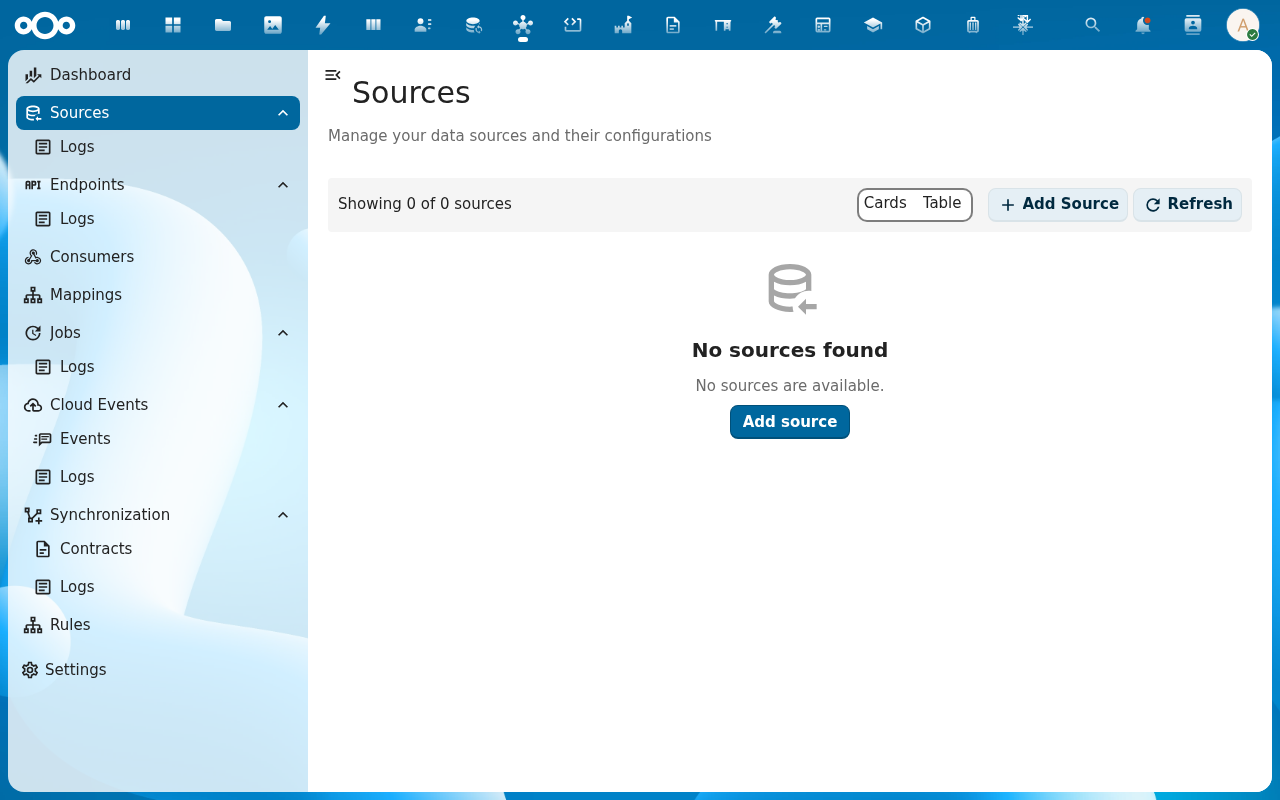
From the navigation, click Sources and then Add Source.
-
Fill in the basics in the Add Source dialog: a clear Name (it appears in dropdowns when you build mappings and syncs), the Location (base URL), and the Type (
jsonfor most REST APIs,xml/soap/ftpfor the other source kinds).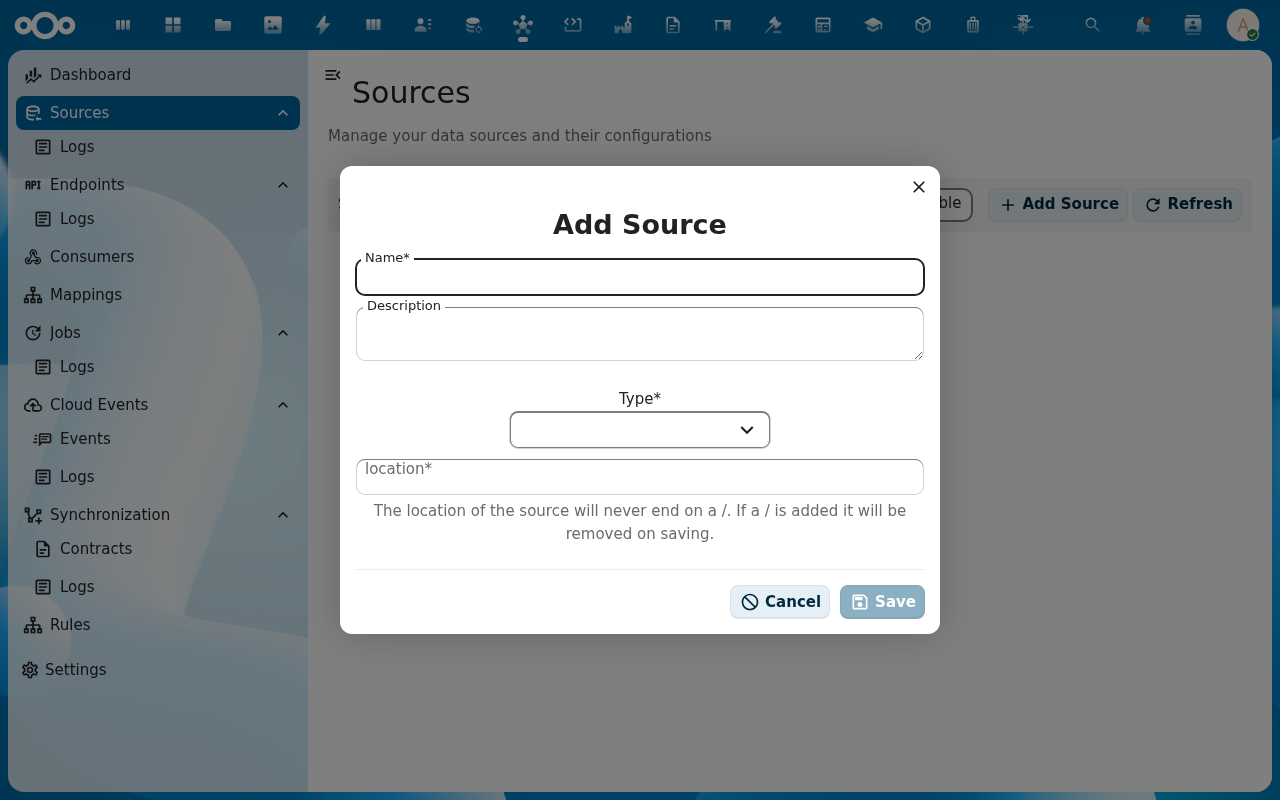
-
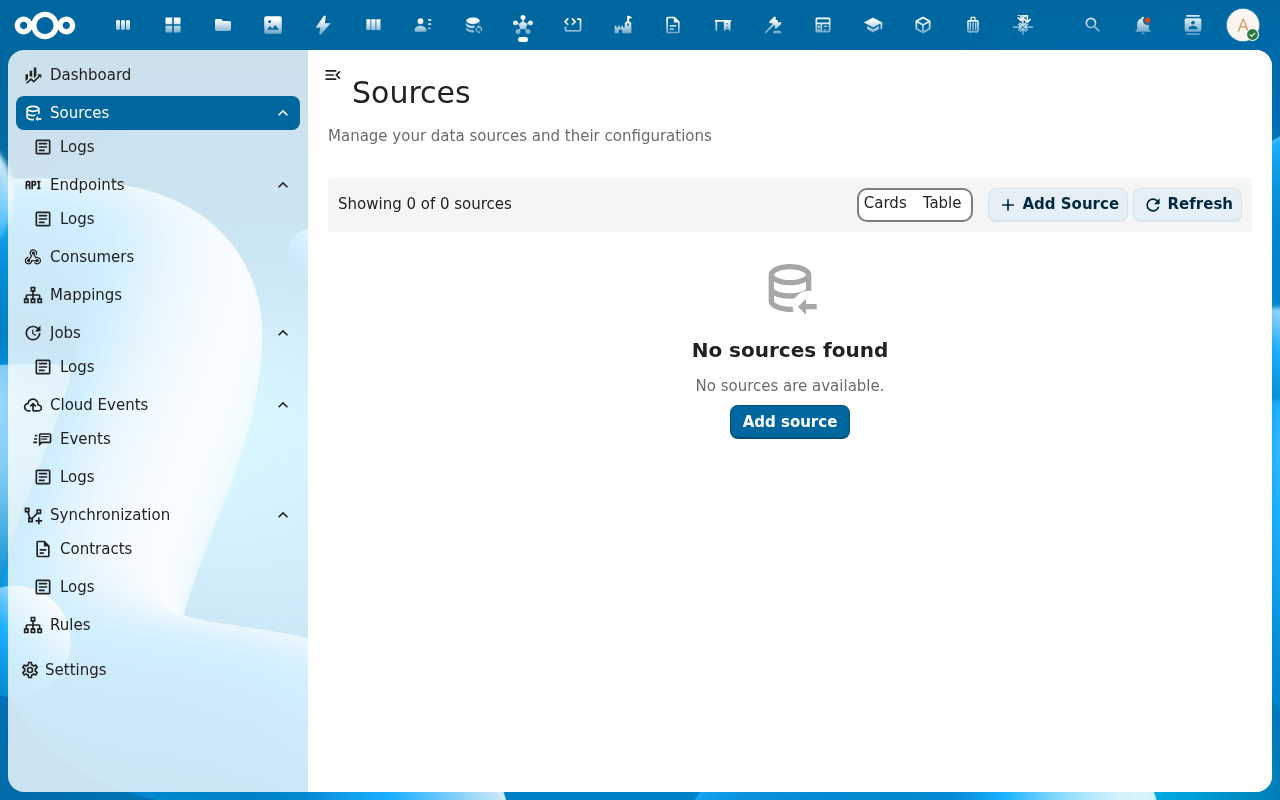
Save. The Source appears in the list. Click its row to open the detail view, then move to the Configuration tab to add headers, authentication and connection defaults.
-
Open the Test action on the source's detail page. Enter a known-good path (e.g.
/healthor any read-onlyGET) and run the call. The right-hand panel shows the response code, headers and body — confirming the source is reachable.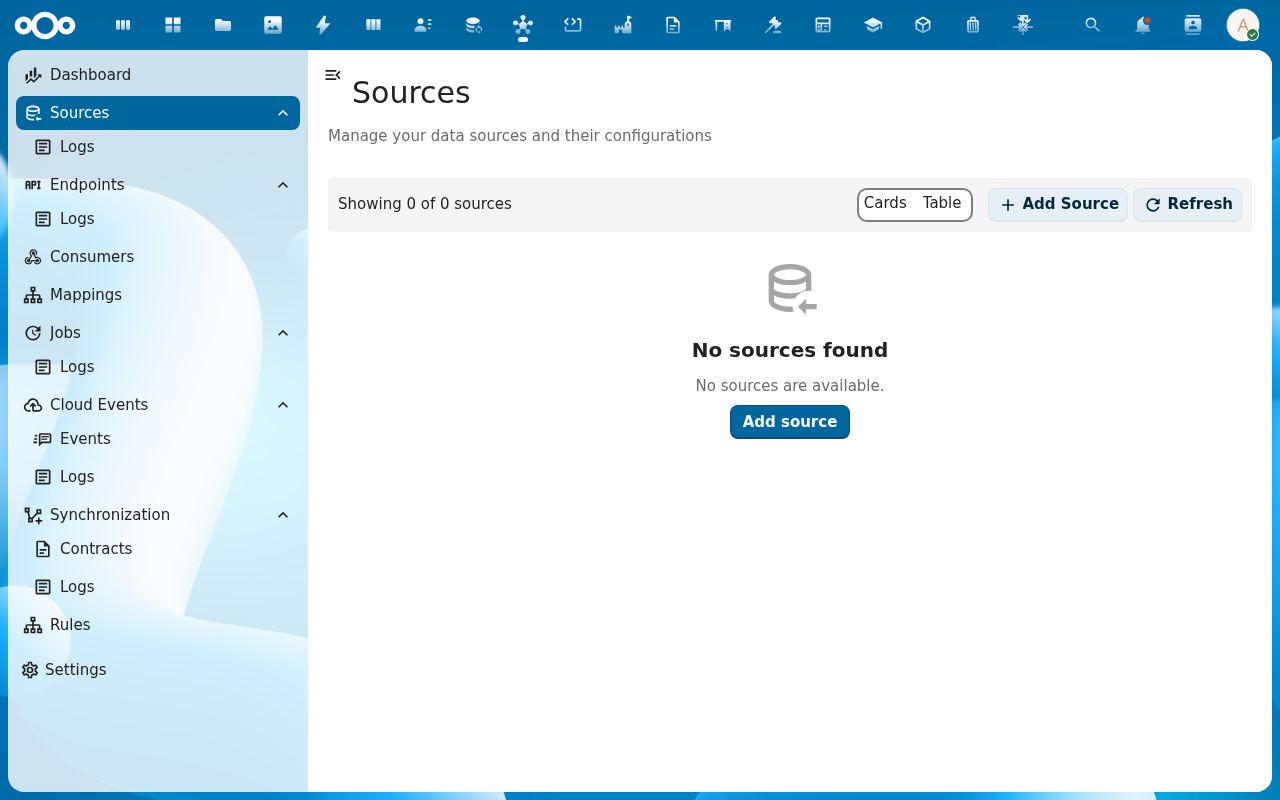
-
The call is recorded in the Source Logs for that source. Open the Logs sub-entry under Sources in the navigation to confirm the call was logged with the response code you expected.
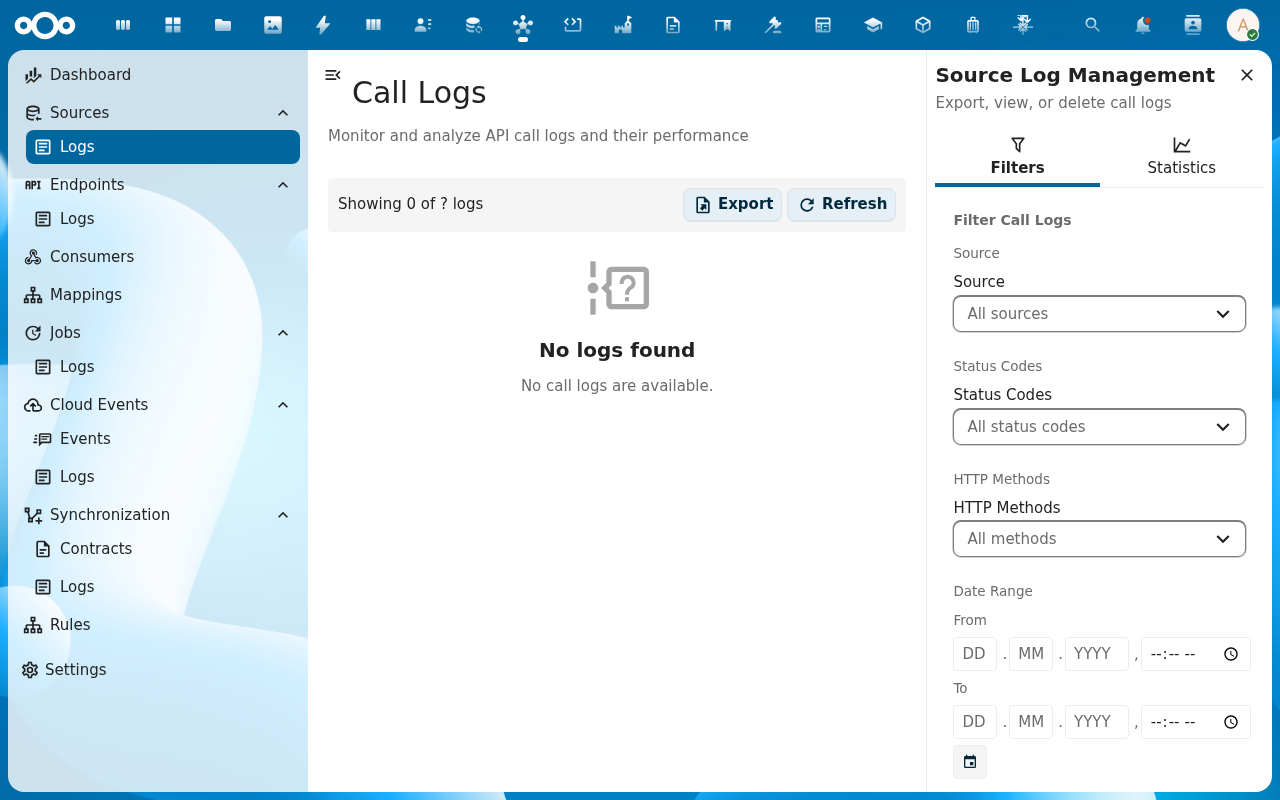
Verification
You are done when: the source appears in the Sources list, a test call against a known-good endpoint returns a 2xx response, and that call shows up in the Source Logs with the same status code.
Common issues
| Symptom | Fix |
|---|---|
Test call returns 401 Unauthorized | Authentication header or OAuth token is wrong — check Configuration → Authentication on the source. |
| Test call hangs and times out | The Nextcloud instance can't reach the source's host — check firewall / VPN / DNS from the server, not from your laptop. |
Test call returns 200 but the response body is empty | The source returned no payload for that path — try a different endpoint or check if the source wraps responses in an envelope you need to unwrap with resultsPosition. |
Reference
- Sources feature — full reference: types, auth methods, headers, query defaults.
- Authentication patterns — API key, OAuth 2.0, basic auth.