Create a mapping
A Mapping describes how to transform data from one shape into another. Mappings sit between sources and targets in a synchronization flow, and are also used by endpoints to reshape request and response bodies. The mapping engine supports direct field paths, Twig template expressions, type casts, and JSON Logic conditions.
Goal
By the end you will have created a Mapping that takes objects in the shape your source returns and turns them into the shape your target schema expects, and you will have validated the mapping with a sample payload.
Prerequisites
- You have completed Add a source.
- You know the shape of the data your source returns (one example payload is enough).
- You know the shape of the target object — usually a schema in OpenRegister.
Steps
-
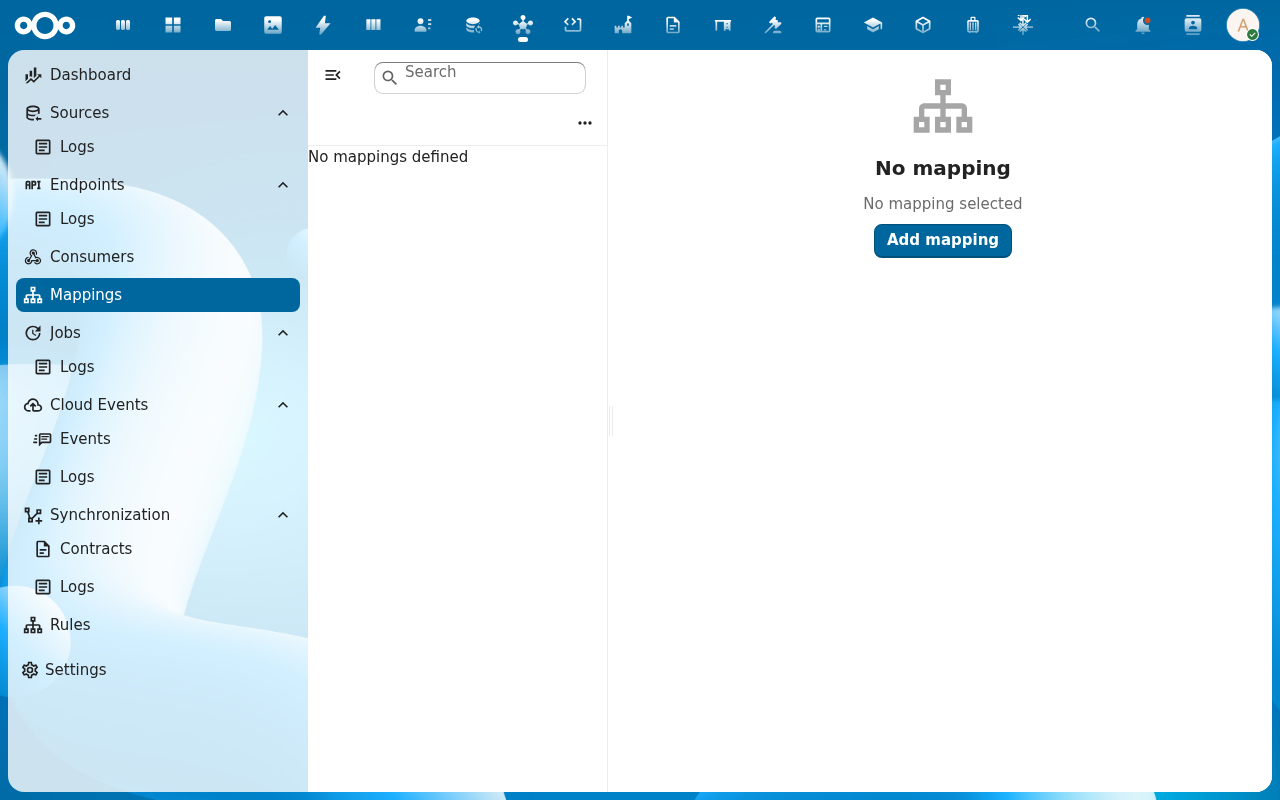
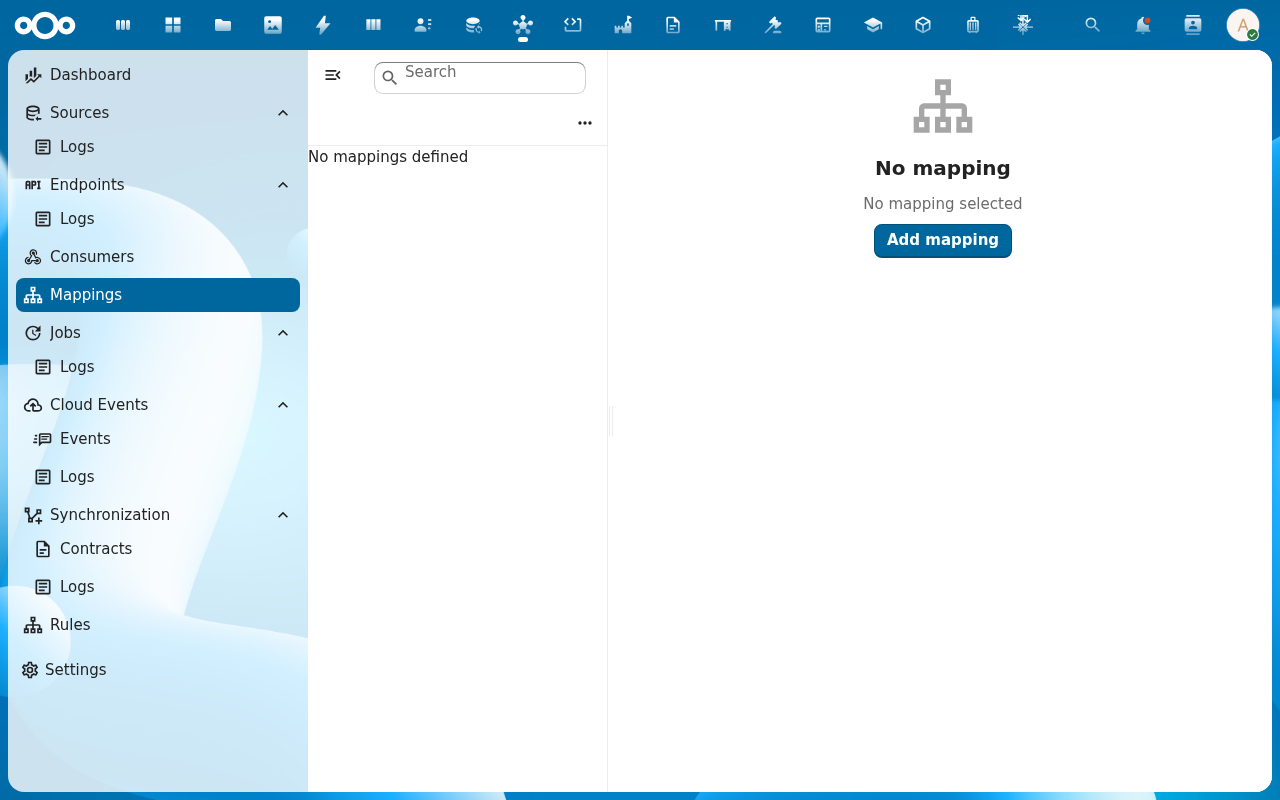
From the navigation, click Mappings and then Add Mapping.
-
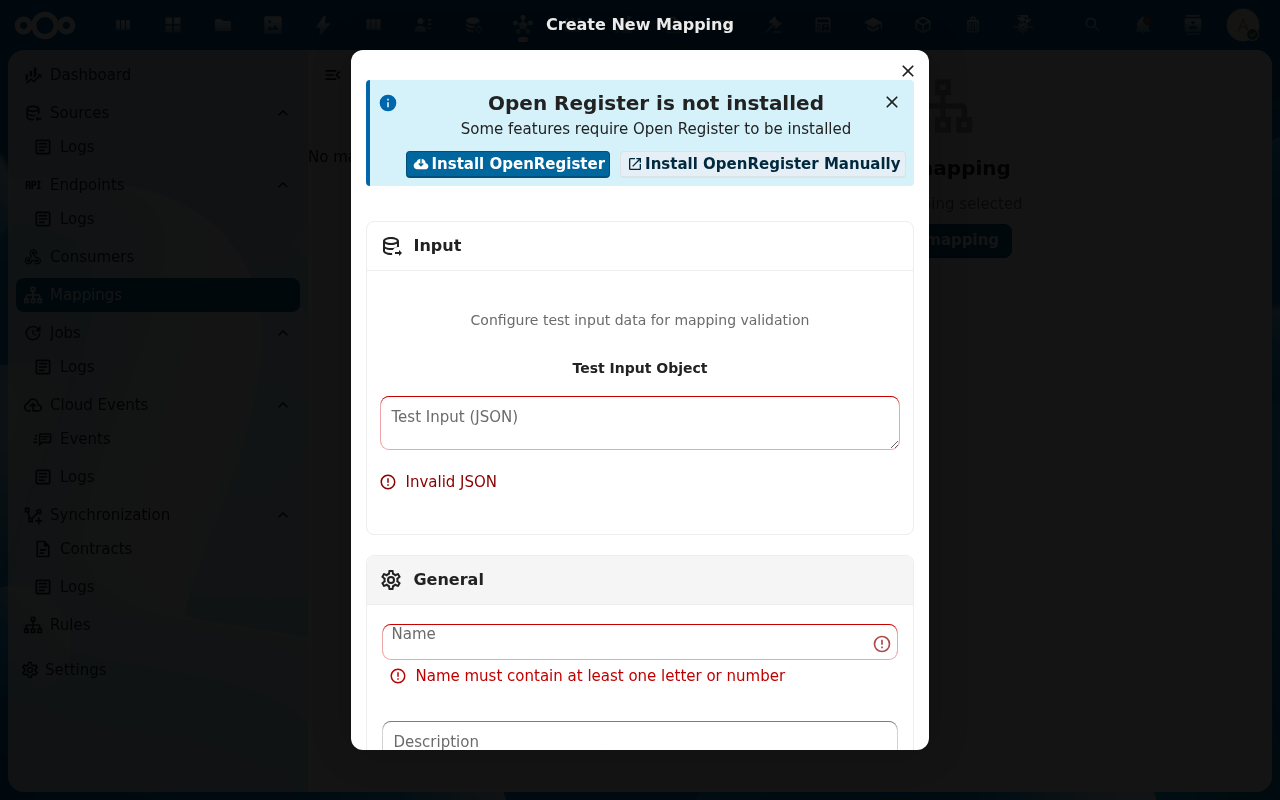
Give the mapping a clear Name and Slug (the slug is how syncs and endpoints reference it). Save to land on the detail view.
-
Open the Mapping tab. Add field assignments one by one. For each target field, decide between a direct dot-notation reference (
input.naam) and a Twig expression (\{\{ input.startdatum | date('Y-m-d') \}\}). Twig is needed whenever you reshape values, concatenate strings, or call a filter.
-
If the source returns strings where the target expects integers, dates or JSON, open the Cast tab and declare the cast (
bouwkosten: integer,metadata: jsonToArray, …). Casts run after the mapping pass.
-
Open the Test action. Paste a sample source payload, run the mapping, and review the transformed output side-by-side. Iterate on the field assignments until the output matches the target shape.
Verification
You are done when: the test pane produces an output that matches the target schema's expected shape, all required target fields are populated, and casts apply where you expected them to.
Common issues
| Symptom | Fix |
|---|---|
| Test output has empty strings for fields that should have values | The dot-notation path doesn't match the source structure — print the raw input object first (`{{ input |
| Twig expression throws "filter does not exist" | The filter name is misspelled or the filter requires arguments — see the Mappings reference for the supported filter set. |
| Cast doesn't apply | The cast field path is computed from a Twig expression instead of a static path — casts only run on statically-resolvable paths. |
Reference
- Mappings feature — full reference for the mapping engine.
- Mappings — strategies — direct reference, Twig, dot-notation, JSON Logic.